Help Center · Guests' side
How the booking widget works on your website
What guests see when your booking form sits inside your own website, either on the page or in a panel that slides out.
All help articlesChecked against Slate on
On this page
Before you start
- Your website has the Slate widget code on it. The booking page settings have it.
Steps
The widget comes in two forms. In the first, the booking form sits inside one of your web pages and grows or shrinks to fit what the guest is doing.
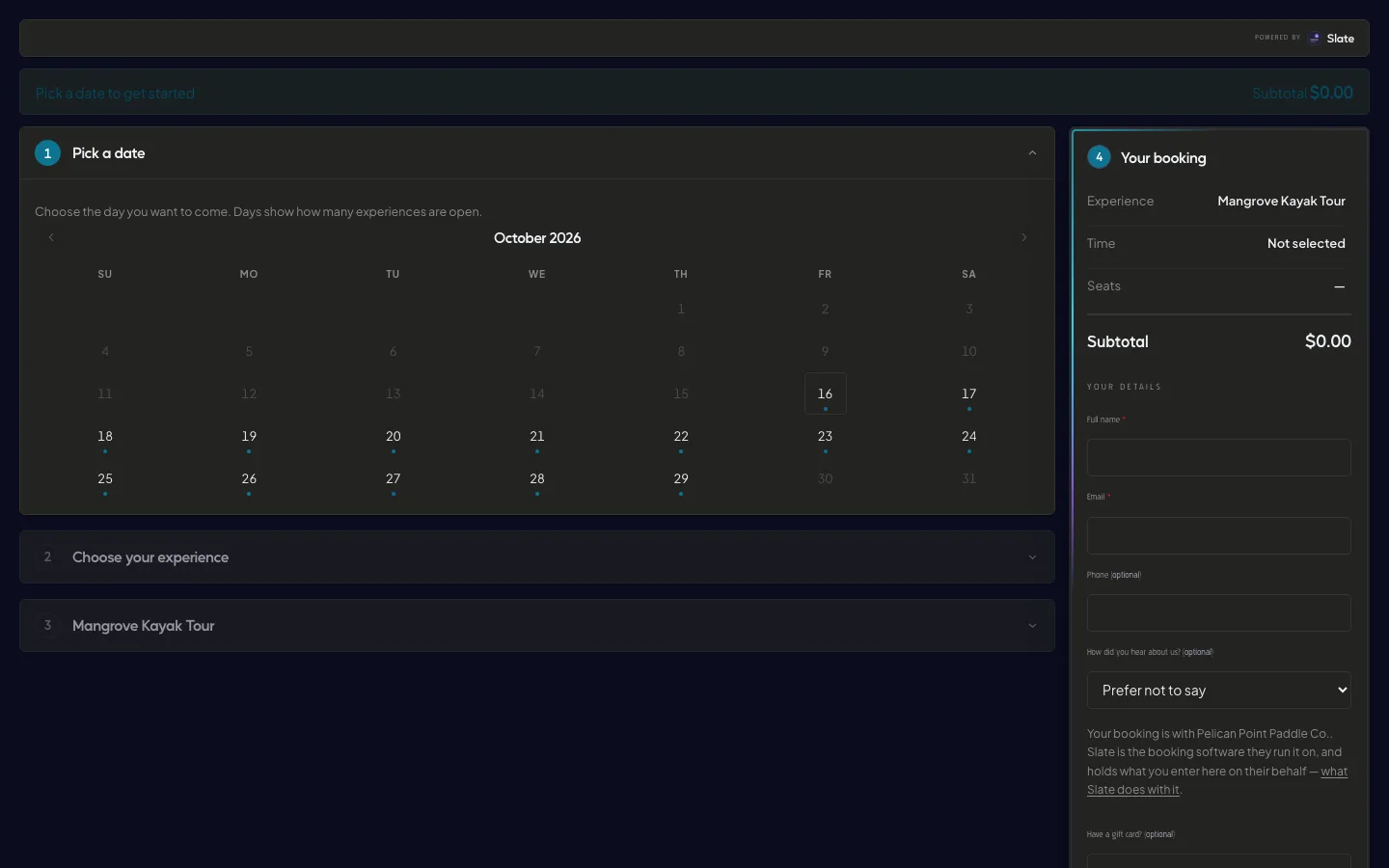
In the second, any link or button on your site that points to your booking page opens the booking form in a panel that slides in from the right, over your page. On a phone, the panel fills the screen.
Either way, guests book exactly as they do on your booking page: they pick a day, an experience, a time and tickets, then fill in their details.
To close the slide-out panel, the guest clicks its close button, clicks outside it, or presses Esc. Your page is where they left it.
If guests pay online, the secure payment page opens in the whole browser window rather than inside your site.

Tips
- The widget never shows your logo, so it sits neatly inside your own site's design.
- If the widget code cannot load, your booking links still work as normal links to your booking page.
- You can point a link at one experience, so guests start on it.
Related
- Add booking to your own website: Pick where your website is built, copy the code or link Slate gives you, follow the steps for that builder, then check that guests can book.
- Share your booking page: link, QR code and FAQ: Copy your booking page address, show its QR code, and add the questions and answers guests see before they book.
Still stuck?
Tell us what you were trying to do and what you saw. A person reads every message.
Contact support