Pontoon and boat rentals · $0 a month · 3% only when you get booked
One boat. One renter at a time.
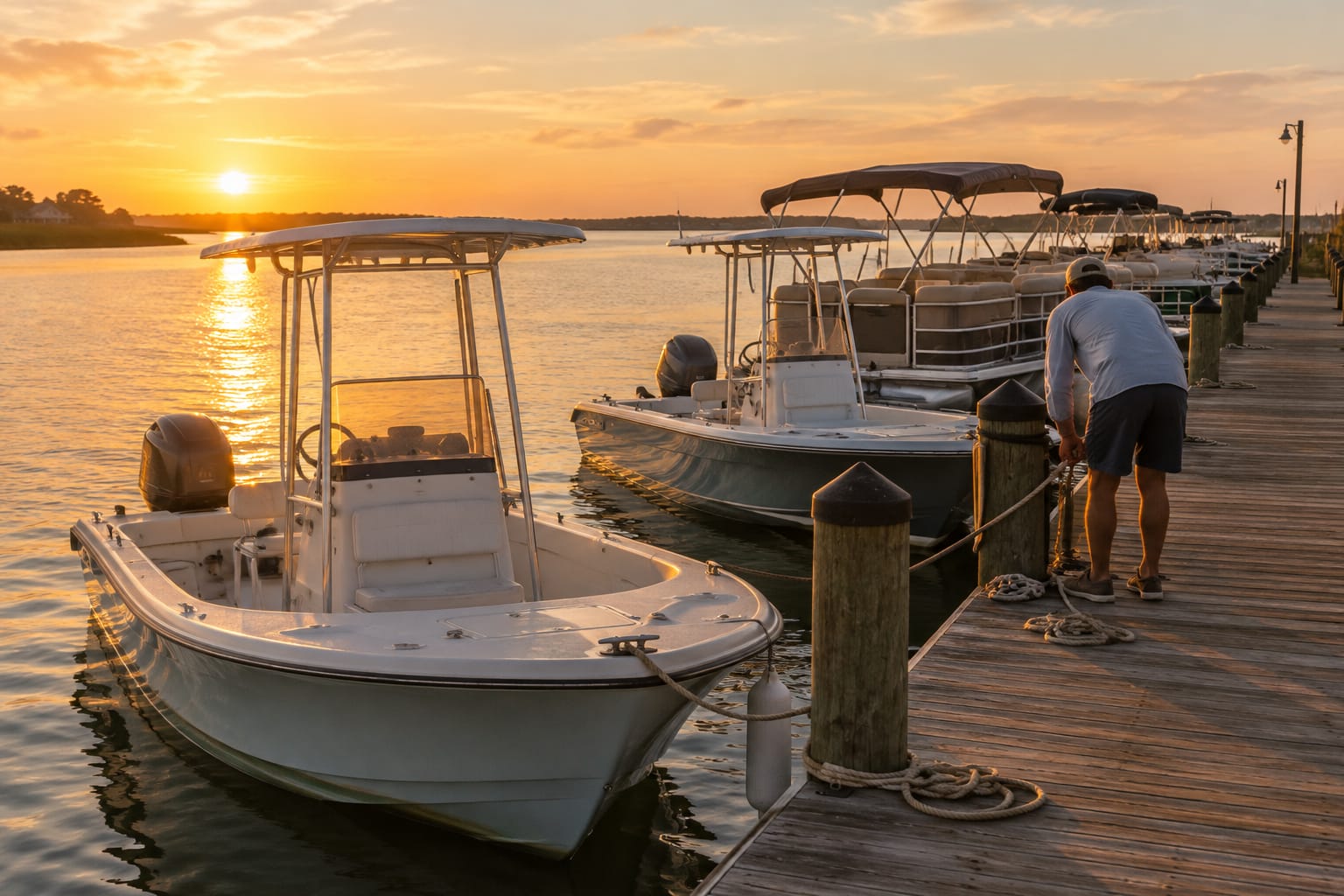
Pontoons, center consoles and deck boats. Describe your fleet in a sentence and Slate builds your booking page around your boats and rental times. Live the same afternoon.
$0 a month. 3% only when you get booked.
- Monthly fee
- $0
- Nothing until you get booked.
- Booking fee
- 3%3%, only when booked
- Only when you get booked. Card bookings Slate processes.
- Setup
- Same afternoon
- No implementation project.
Switching
What a boat rental dock stops putting up with.
The stuff your booking platform makes a boat rental dock put up with, next to what Slate does instead.
A monthly bill before you sell a single seat.Slate: $0 a month. 3% only when you get booked.
Bookings paid on arrival, in cash, with a gift card, or anywhere outside Slate carry no booking fee at all.
Renting a pontoon as ten separate seats.Slate: Rent the whole boat as one ticket.
A Whole boat ticket takes every place on the boat, so nobody else can book it for that time.
Two renters booking the same pontoon.Slate: The second booking cannot be saved.
Two guests tap Confirm in the same second; the database keeps one and refuses the other.
Half days, full days and week-long rentals on paper.Slate: By set times or by the day.
Set repeating half-day times, or turn on Book by the day with a first-day, extra-day and weekly price.
AI setup
Describe your fleet of boats. Slate drafts the rest.
At signup Slate reads your website and fills in what it can. A short chat asks only about what is missing, and your booking page builds beside it.
“We run a 2-hour sunset cruise at $65 a head on the Gulf Breeze. It seats 12 and goes out Saturdays, 6 to 8 PM. Maria runs it.”
Every guess is marked.
Anything Slate filled in for you reads “Slate’s guess — edit as needed” until you change it.
Type, or tap Speak.
The setup chat takes your answers typed or spoken, and asks only about what is missing.
Watch the page build.
Your booking page, so far, fills in beside the chat as you answer.


Where the AI actually works
Reads your website
At signup, Slate reads your own site and pre-fills what it can. Every field it fills is marked “Slate’s guess — edit as needed”.Pre-fills setup from your own site, marked “Slate’s guess — edit as needed”.
Interviews you for the rest
A short setup chat, Fill in the gaps, asks only about what is missing: services, prices, boats, hours. Type, or tap Speak and talk.Asks only what is missing. Type, or tap Speak and talk.
Builds your page as you go
Your booking page, so far, takes shape beside the chat, so you see what guests will see before anything goes live.Your booking page takes shape beside the chat as you answer.
Drafts your waiver
Slate writes a plain-language starting draft from your services, with [brackets] for anything it was not told. You edit it before it goes live.A plain-language starting draft with [brackets] for what it was not told. You edit it first.
The double-booking lock
Two renters, one pontoon. One booking.
Your calendar is enforced by the database, so two guests can never hold the same seat. The second one is refused and told the slot has gone. It is always on.
Guest A
Taps Confirm
Guest B
Taps Confirm
- Guest ASaved. The slot is locked.Saved
- Guest BRefused. The slot has gone.Refused
Today
Who’s out, on what, until when.
Every boat on its own lane, so you see which boats are out, which go next and who has checked in.


The Today board in Slate. The business and guest names are examples.
Waivers
Guests can sign online from the link in their confirmation email. Today shows which trips still have waivers missing.
Check-in
Mark a party as arrived from Today or from the booking, check in a whole departure in one click, or each named person.
Gift cards
Issue gift cards guests redeem on your booking page, and check any card's balance.
Your site, your links
Put booking on your own website, or make a link that opens one experience, for an ad, a social post or a partner.
The afternoon
Your boat rentals bookable the same afternoon.
No implementation project, no consultant, no month of calls. Set up once.

01
Set up what you run
Add a resource — a boat, a van, a guide, a room — with its hours and capacity.
02
Share your link
Drop it in your bio or embed it on your site. Guests only ever see real, open slots.
03
Take bookings you trust
Every reservation locks its slot on the calendar the moment it's confirmed.
Ready for your first booking
The price
$0 a month. 3% only when you get booked.
Unlimited boats, vans, guides, rooms and staff. Charged on card bookings we process. Bookings paid on arrival, in cash, with a gift card, or anywhere outside Slate carry no booking fee at all.
Booking-fee termsA rental dock on Slate
How boat rentals run on Slate.
Add each boat with its capacity. A rental time on that boat gets that many places, and a Whole boat ticket takes all of them, so one booking holds the boat.
Rent by set times, such as mornings and afternoons, and fill the next 14 days with times guests can book. Or turn on Book by the day so guests pick dates, priced for the first day, each extra day and by the week.
Guests can sign your waiver online from the link in their confirmation email after they book. Today shows which trips still have waivers missing, each booking shows who has signed, and Send waiver link emails the link again.
At the dock, check each party in from Today, and take a booking by phone from the console.
FAQ
Boat rentals: the questions operators ask first.
Can I rent the whole boat as one booking?
Yes. Add a Whole boat ticket and set it to take every place on the boat. One booking then holds the boat for that time.
Can I rent by the half day and by the day?
Yes. Set repeating times, such as a morning and an afternoon, for rentals by the half day. For rentals by the day, tick Book by the day and guests pick dates instead.
Can renters sign a waiver before they arrive?
Yes. Guests can sign online from the link in their confirmation email after they book, and each booking shows who has signed. To nudge someone, open their booking and click Send waiver link.
Can two people rent the same boat at the same time?
No. A time sells only the places the boat has, and a booking past that cannot be saved.
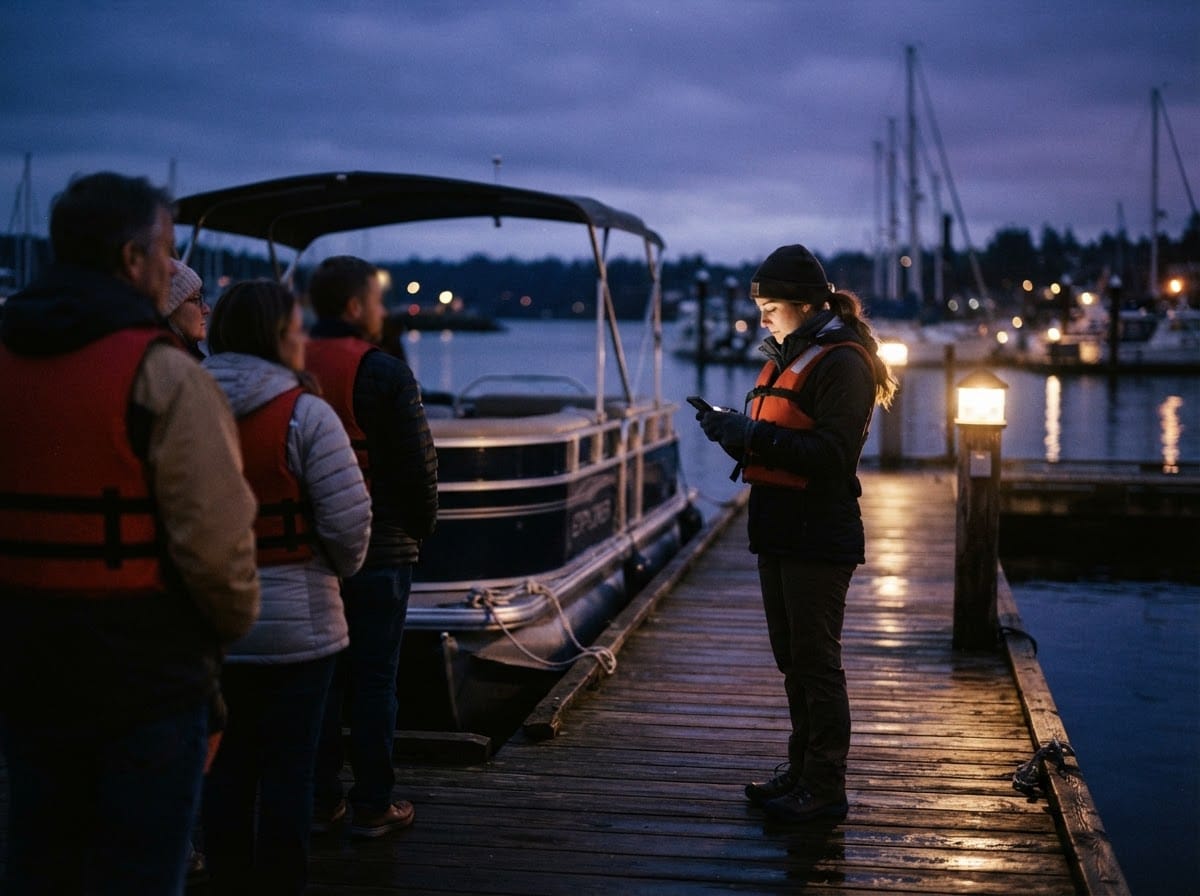
Done putting up with it? Switch this afternoon.
We move your calendar across with you, so nothing goes live until it matches what you already run.
No free trial: we migrate you instead.