Help Center · Getting started
Sign in, or reset a forgotten password
Sign in to the Slate console with Google or your email, and get back in when you have forgotten an older Slate password.
All help articlesChecked against Slate on
On this page
Before you start
- You already have a Slate account. If not, create one first.
Steps
Go to slate-booking.com/login. The page says Welcome back.
Click Continue with Google if you signed up with Google, or Sign in with email if you signed up with an email address. Finish on the sign-in page that opens, and Slate takes you to your dashboard.
Have a password you set in Slate itself, before this sign-in page? Click Have a Slate password from before? Sign in with it, type your Email and Password, and click Sign in.
Forgot that Slate password? Click Forgot your password? under the password box.
Type the Email you sign in with and click Email me a reset link. Slate shows the same message whether or not the address has an account, so nobody can use this page to find out who has one.
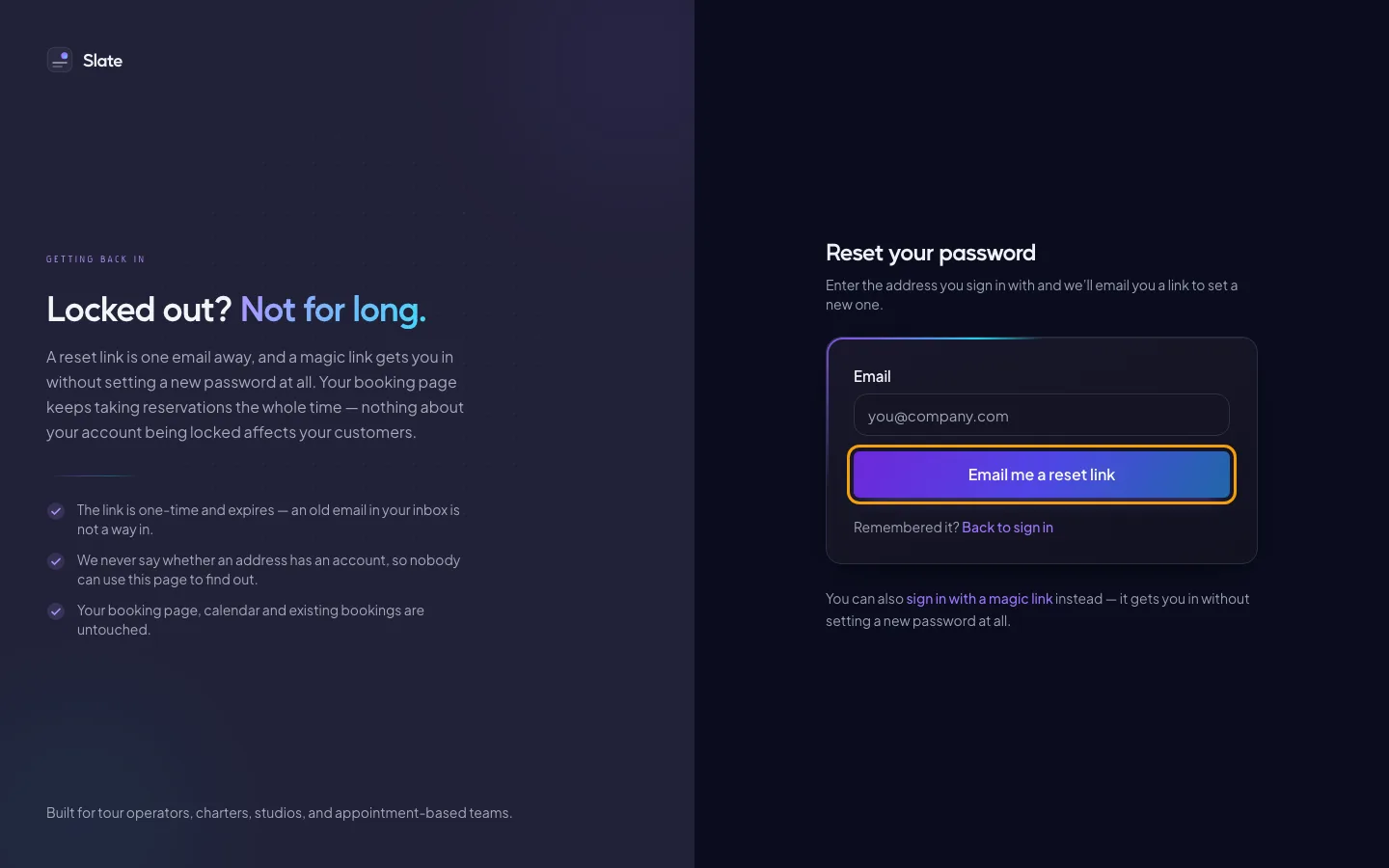
Open the email and click the link. On Set a new password, type your New password (at least 8 characters) in both boxes and click Save and sign in.

Tips
- A reset link works once and expires. If it has, Slate sends you back to Reset your password to ask for a new one.
- Signed in with Google? Your password is your Google password. Change it with Google.
- Your booking page keeps taking bookings while you are signed out.
Related
- Join a team from an invite: Accept an invitation to someone else's business on Slate, with a new account or the one you already have.
Still stuck?
Tell us what you were trying to do and what you saw. A person reads every message.
Contact support